/offlevel lets your character keep grinding monsters even after you close the game, using your MU Helper settings. The other offline mode is offline store (/offstore).
Step by step
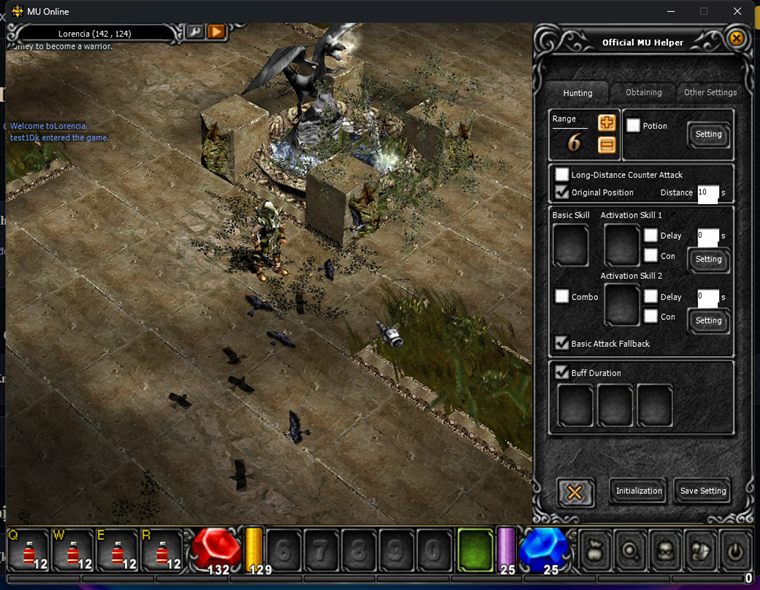
- Start MU Helper (Home key), tune its attack / loot / buff settings and let it grind stably for a bit.
- Type
/offlevelin chat. The character switches to offline mode and keeps fighting with your MU Helper settings. - Close the client. The character keeps leveling, looting, buffing and healing on the server.
- Costs zen: an activation fee (scales with character level) plus the usual ongoing MU Helper zen drain.
- MU Helper must be running when you type the command.
- If the character dies, it respawns and the offline session stops (no repeated deaths).
- Pick a spot your character can survive, and keep enough zen for the ongoing fee.
General offline-mode notes
- Each account can run only one offline session at a time.
- Log back in at any time to stop it, all progress (exp, zen, items) is kept.
- A server restart or maintenance stops the session, just log in and start it again.
- Requires the latest client: simply start the game through the Launcher and it updates itself.
Updated 06/07/2026